Versions
An OpenBI project is a git repository, and a version is a commit: the model, its queries, report pages, notebooks and security as they were when you saved it. The Versions view shows what each version changed and takes you back to any of them.
Save a version
The studio writes your changes to the project’s files as you work. Saving a version is what makes a point you can go back to. Choose any of:
- Home › Save version, or File › Save version…;
- the changes count at the bottom right (“3 unsaved changes”), or the project’s name in the title bar, then Save version…;
- on a Mac, ⌘+S.
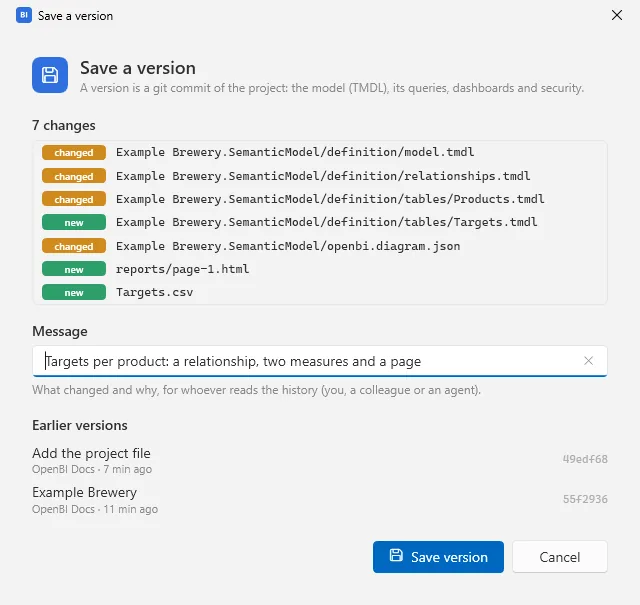
The window lists what changed since the last version. Message starts with a suggestion: say what changed and why, for whoever reads the history, you, a colleague or an agent. Then Save version.
When a report page’s slicers are set differently from how the page opens, the window also offers to keep them as the page’s defaults.
The Versions view
Choose Versions on the left. The list starts with the changes not yet saved, if there are any, then every version, newest first: its message, when, who, and its short id. The newest is marked current.
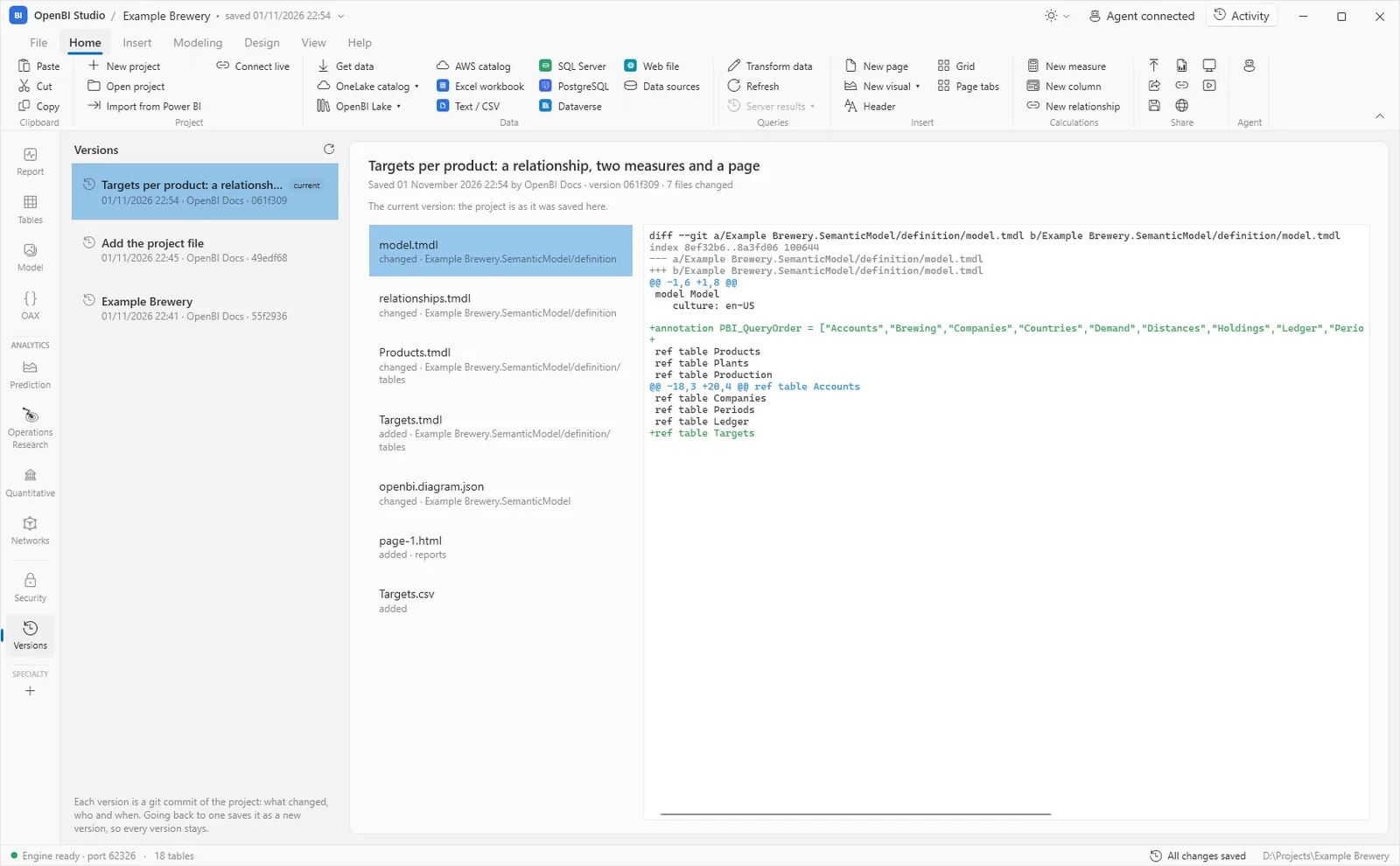
Select a version to see its files (changed, added, removed) and, for each, the lines that changed against the version before: added in green, removed in red.
Go back
- On an earlier version, Restore this version… makes the project’s files that version’s and saves them as a new version, “Restore <id>”. The versions after it stay in the history, so nothing is lost. If you have changes not saved, it asks first whether to save them as a version.
- On Changes not saved, Discard changes… puts every file back as the last version has it; files that are new are removed.
- For one measure, the formula bar’s History brings back its OAX from any saved version (see Measures and OAX).
Git underneath
The studio carries git (libgit2), so there is nothing to install, and the repository is an ordinary one: git, your editor and your code-review tools all read it. A version’s author is your git user name, if you have set one, or your account’s name.
- What is this computer’s only stays out: the project’s
.gitignoreleaves out the.openbifolders (data snapshots, kept answers, the project’s lake) and.state. - A notebook’s model and result versions are its own, approved in its Versions tab (see Prediction); here they show as its files changing. The rows a model learned from never go to git.
- Each version shows only what changed against the one before it; to compare two versions further apart, use git itself.